Start here · The business map
Where AI Fits in Your Business
Read after Start Here: AI in Plain Words. Return to it whenever you’re asking, “What else can I use this for?”
This answers: “How can I use AI to leverage my business?”
On this page
You have AI. Where do you go with it?
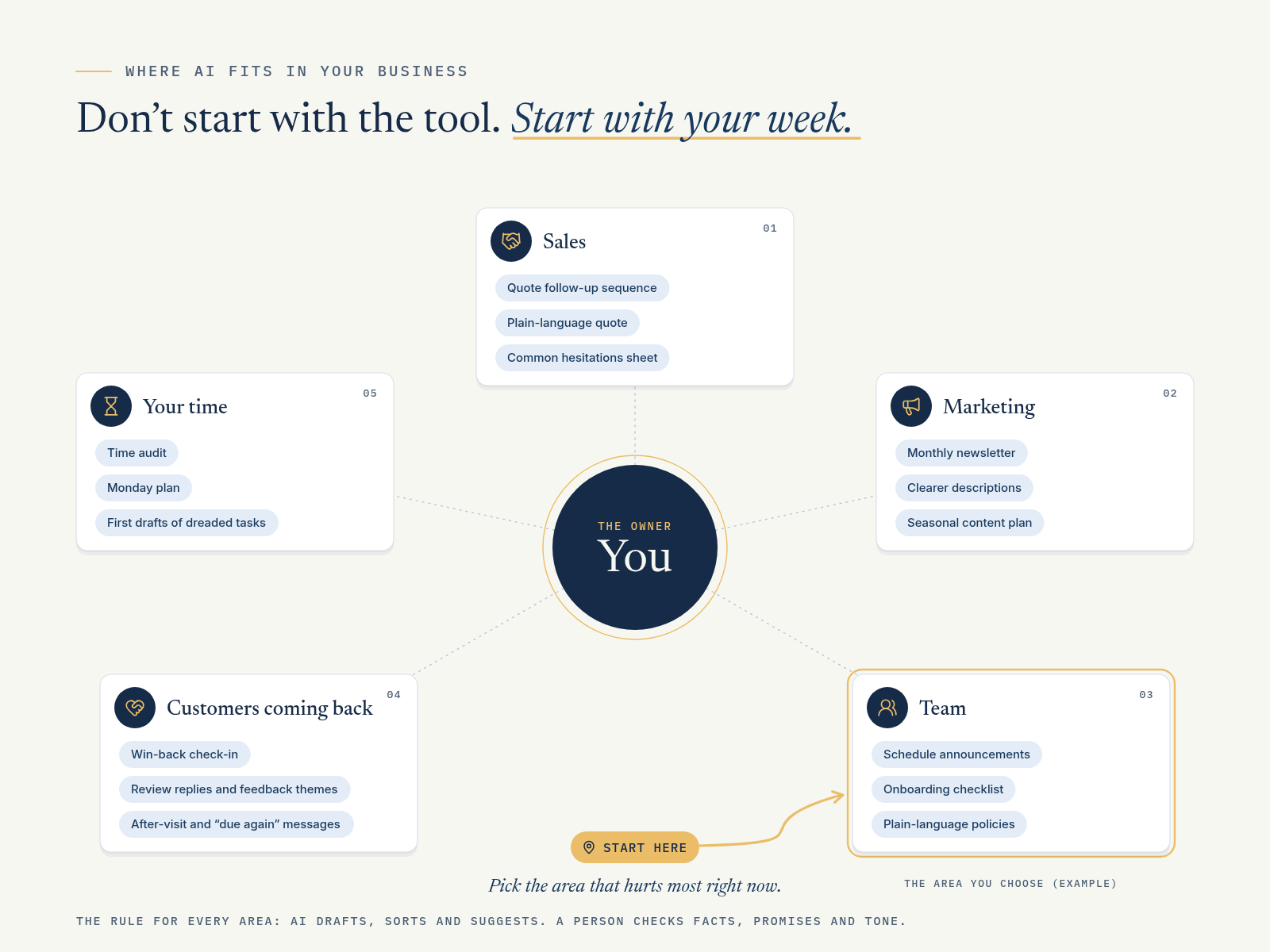
Don’t start with the tool. Start with your week.
Most owners feel the pressure in the same five places:
- Sales: turning interest into paying customers
- Marketing: getting found and staying in front of people
- Team communication: everyone knowing what to do without asking you
- Customer retention and engagement: keeping customers coming back
- Owner time: getting your own hours back
Pick the area that hurts most right now. Pick one starter use. Try it this week. That’s the whole plan.
The rule for every area: AI drafts, sorts and suggests. A person checks facts, promises and tone before anything reaches a customer or the team.
Area 1: Sales
What it means here: following up, explaining your offer clearly, and not letting good leads go quiet.
Three starter uses:
- Follow up after a quote or first visit. Draft a short series of check-ins so no quote just sits there. (See Playbook Workflow 13.)
- Turn a quote into plain language. Rewrite a technical quote into a one-paragraph summary the customer can understand: what’s included, what isn’t, and the next step.
- Build an “answers to common hesitations” sheet. List the questions customers raise before buying (timing, what’s included, what happens next) and draft honest answers from your approved facts.
The worked example and prompt for this area are in the Bootcamp.
Area 2: Marketing
What it means here: being useful and visible to the people who already might buy from you.
Three starter uses:
- Write a short monthly newsletter from real news. Give AI your actual news (new product, holiday hours, a team member’s work anniversary they’re happy to share) and get a first draft.
- Rewrite product or service descriptions. Make a menu, price list or service page clearer and easier to scan.
- Plan around your calendar. List your real seasonal moments (back-to-school, holidays, local events you’re actually part of) and ask for content ideas for each.
(Lab 09 covers a week of factual local content. The bonus sales and marketing exercises cover turning one idea into several assets. These starters add other everyday marketing jobs.)
The worked example and prompt for this area are in the Bootcamp.
Area 3: Team Communication
What it means here: messages, handoffs and instructions clear enough that the team doesn’t need to ask you.
Three starter uses:
- Shift and schedule announcements. Turn a change into a short, scannable message (like your first 15 minutes).
- Onboarding checklists. Turn “how we do things” into a first-week checklist for a new hire.
- Plain-language policies. Rewrite a long policy (returns, uniforms, opening and closing) into short steps people will actually read.
(Lab 05 covers notes into handoffs, and Lab 10 covers a routine the team can repeat. These starters are quick wins you can try before or alongside those labs.)
The worked example and prompt for this area are in the Bootcamp.
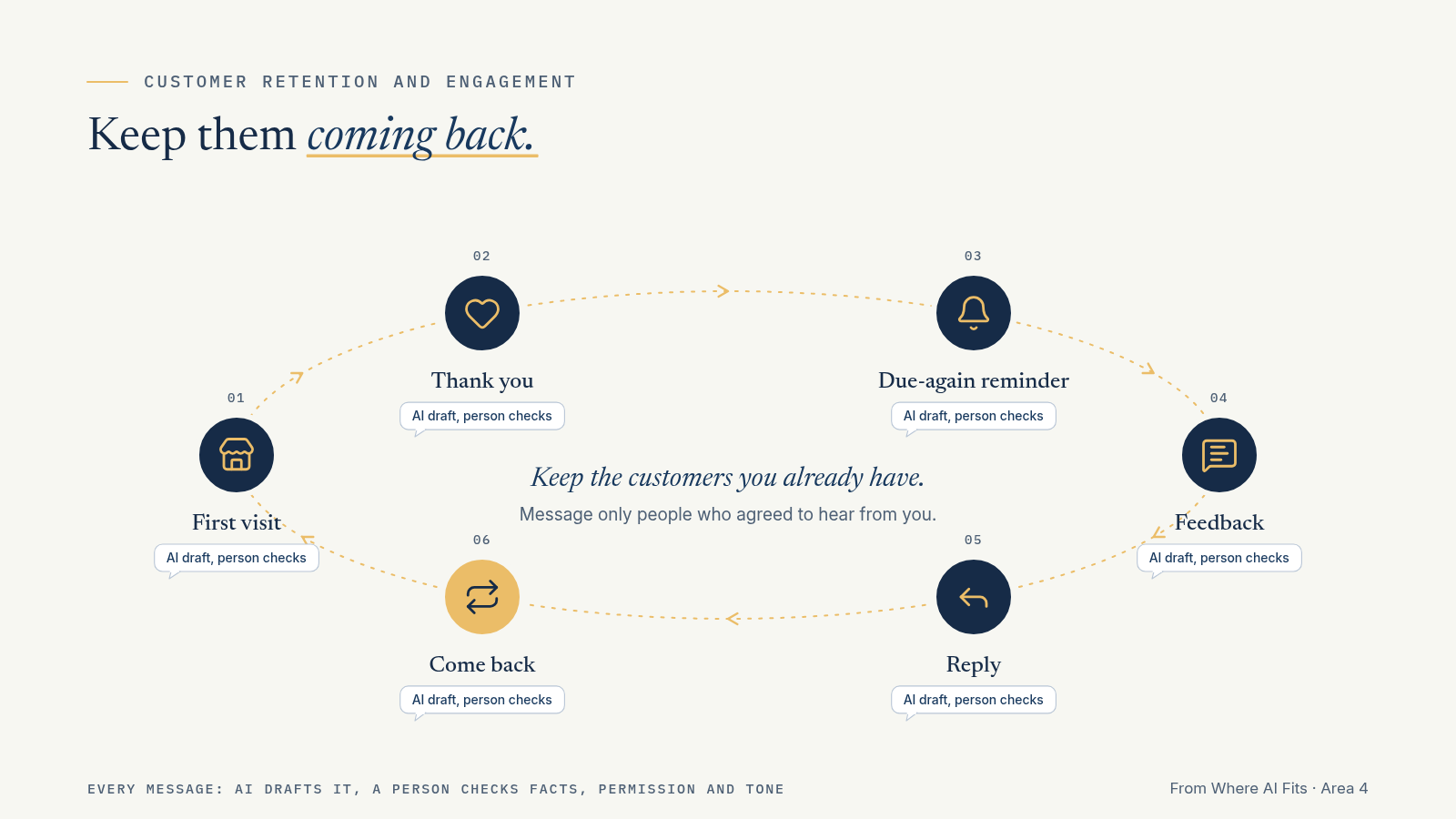
Area 4: Customer Retention and Engagement
What it means here: keeping the customers you already have, so they come back, stay in touch and tell you what they think.
Three starter uses:
- Win back quiet customers. Draft a friendly check-in for past customers who agreed to hear from you. (See Playbook Workflow 11.)
- Reply to reviews and spot themes in feedback. Draft replies to public reviews, and sort a batch of comments into what’s working and what needs fixing. (See Playbook Workflow 12.)
- After-visit and “due again” messages. A thank-you after a first visit, or a reminder when a service is usually due (a refill on coffee beans they buy every month, a seasonal item coming back, a yearly tune-up on something they bought from you), for customers who asked for reminders.
The worked example and prompt for this area are in the Bootcamp.
Area 5: Owner Time
What it means here: getting yourself out of the jobs that don’t need you, so you can work on the ones that do.
Three starter uses:
- Run a time audit. List what you did this week and sort each task into Owner, Delegate, Automate or Kill. (See Playbook Workflow 14. This matches FieldKit’s free Owner’s Time Audit.)
- Plan your Monday. Paste your messy to-do list and ask for a short plan: what’s urgent, what can wait, what needs someone else.
- First drafts of the stuff you dread. Job ads, supplier emails, a tricky message to a landlord. Get a first draft so you’re editing, not staring at a blank page.
The worked example and prompt for this area are in the Bootcamp.
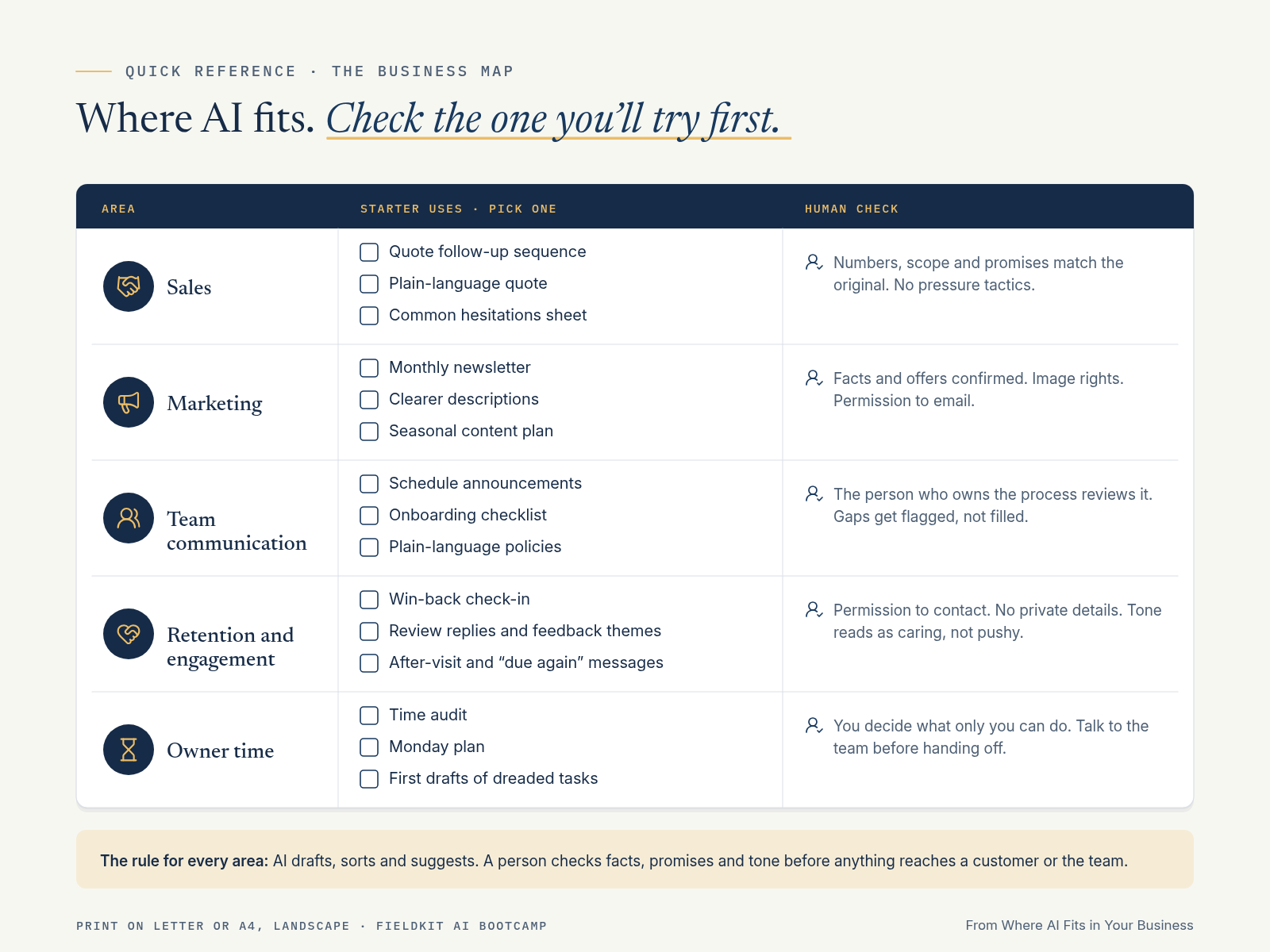
Quick reference: the business map
| Area | Starter uses | Human check |
|---|---|---|
| Sales | Quote follow-up sequence · Plain-language quote · Common hesitations sheet | Numbers, scope and promises match the original. No pressure tactics. |
| Marketing | Monthly newsletter · Clearer descriptions · Seasonal content plan | Facts and offers confirmed. Image rights. Permission to email. |
| Team communication | Schedule announcements · Onboarding checklist · Plain-language policies | The person who owns the process reviews it. Gaps get flagged, not filled. |
| Retention and engagement | Win-back check-in · Review replies and feedback themes · After-visit and “due again” messages | Permission to contact. No private details. Tone reads as caring, not pushy. |
| Owner time | Time audit · Monday plan · First drafts of dreaded tasks | You decide what only you can do. Talk to the team before handing off. |